Doesn't it feel as if information and paperwork come at us from all directions? Mail, catalogs, invitations, school flyers, permission slips, bills- the list goes on and on. Having a way to handle and organize the constant deluge will prevent paper from cluttering your mind and your home. This is why you need a Mom command center if you truly want to get organized this year!
Why do you need a Mom command center?
The idea behind having a Mom command center is that you have one place where you can sort and then file everything you need to keep at hand.
It should be located somewhere that is convenient for you to access often. For many of us, that place is in the kitchen.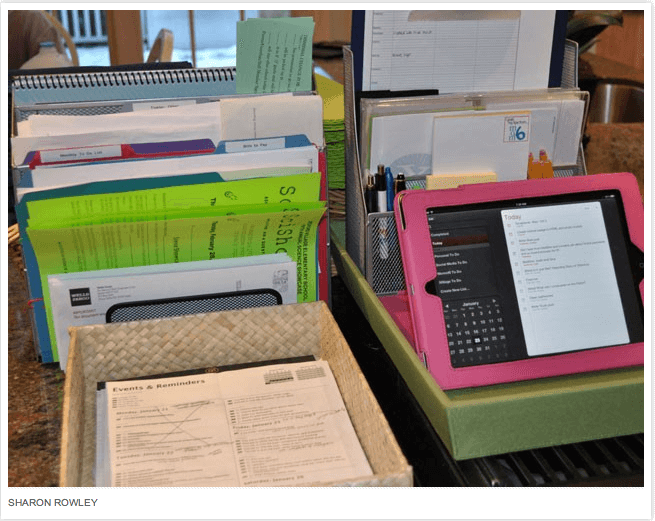
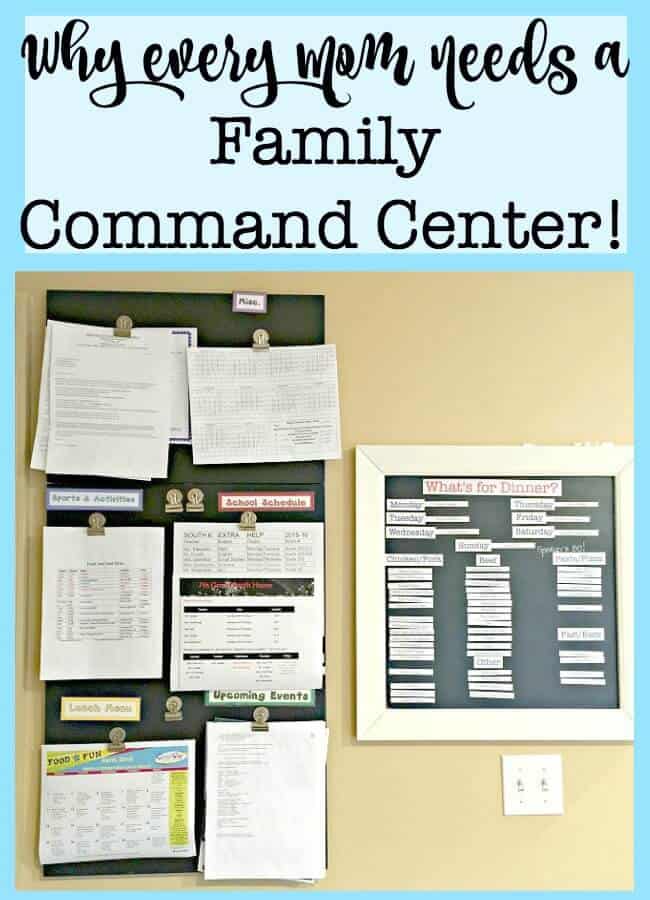
My command center is actually two separate areas- one that is mounted on the wall and gives me a place to display important papers we need to see often- like school menus and sports schedules as well as my menu planning board.
The other is a place where I can keep files and lists, and it's also where I keep my iPad so I can see my family calendar app as well. But what all should go into your family command center? Let's break it down:
Elements of a DIY Family Command Center
“Tickler” files
You need a place to put all of that paperwork that comes your way and needs to be dealt with at some point in the future- the registration forms for kids activities, the flyer from the place that sells firewood that you want to order next month, the copy of the dental reimbursement form that you submitted to the insurance company. All of that fun stuff.
I picked up this great tip from the Power of Moms: keep a “tickler file” for paperwork that needs to be addressed (fairly) immediately. This keeps all of these papers neatly gathered in one place just waiting for you to find a weekly opportunity to review and address them.
Keep another “tickler file” for paperwork that is less urgent- and review that file every few weeks to stay on top of everything.
A place to put incoming mail and bills
Instead of allowing incoming mail, flyers, and catalogs to pile up on counters- have one place where you store it until you deal with it. (These top mail organizers can help!)
Go through that pile every day separating items into bills to be paid and paperwork to go into tickler files. Recycle the rest right away!
Your master to-do list
Whether you keep this on paper or electronically- keep your to-do list in only one place (not on multiple post-it notes!) and write everything on it.
I go back and forth between keeping mine on a notepad or in my planner. I keep one page for things to do this week and a second page for other items and projects to get to later.
Your family calendar
Whether this is a desk calendar, a wall calendar, or a calendar app, your calendar should be accessible from or part of your family command center.
Your ongoing grocery list
I keep my ongoing grocery list on a clipboard in the kitchen. Every time I notice that we are running low on something, I add it to the list. It makes prepping for grocery shopping so much easier!
I created this printable grocery list which you can customize to reflect the aisle by aisle floor layout of your favorite grocery store. Compiling your grocery list according to the layout of your store makes grocery shopping tons faster!
 Are you planning on decluttering and organizing your home?
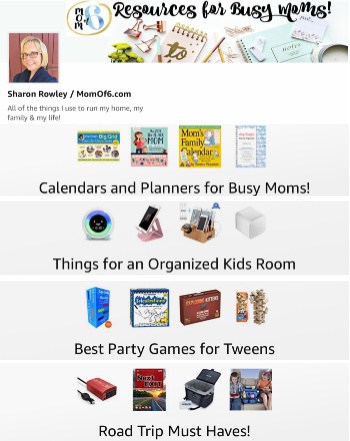
These are my favorite storage bins This is an affiliate link: MomOf6 earns a commission if you purchase, at no additional cost to you. for organizing all of the areas in your home! You can see all of my recommendations for buys Moms over on my Amazon Influencer page This is an affiliate link: MomOf6 earns a commission if you purchase, at no additional cost to you. !
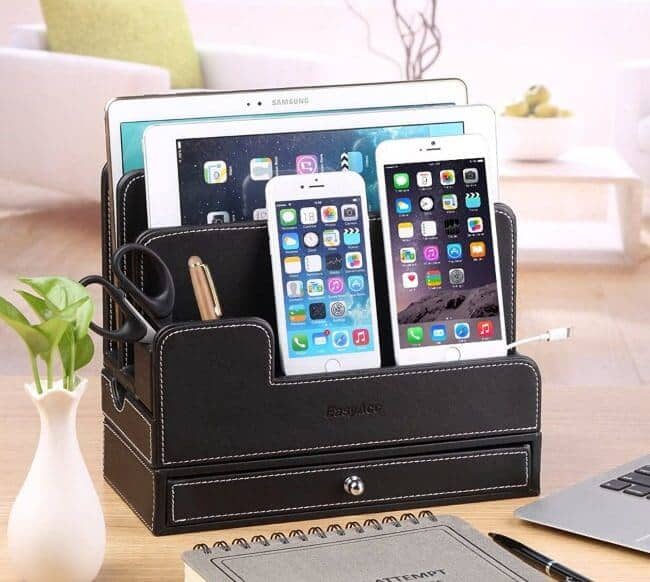
Charging Station
If everything else is located at your command center, it makes sense to have a charging station there too. You'll be more likely to remember to plug in the darn things every day!
These are our top picks for the best charging stations!
Important papers that the family needs to access regularly
On my family command center wall- I like to display the things that my family needs to access daily or weekly- like the school lunch menu, their sports game schedules, the days their teachers stay after school for extra help, etc.
I also keep on one magnetic binder clip- all of the upcoming invitations that we have accepted attached in order of the events. So when I look at that section of the board, I can see exactly which event/commitment is up next on our family calendar.
If you’d like to get more organized- don't miss these helpful resources!

Are you ready to get your life organized? Register for Busy Moms Boot Camp!
It's a free series of 10 weekly emails that can help you put some organization back in your life and help you to create room for all of those things that you'd like to be doing- whether that's making time to celebrate the little things with your family or carving out some space for yourself.
Busy Moms Boot Camp can help you to move from chaos to organized! Simply sign up below to get started!
Do you have a family command center in your home? What tips can you share about how you make it work for you?

Lauren @ MommyBreakdown says
This post and idea is AMAZING!! I love it and I am going to Tweet, if you don’t mind. I currently have about five command “places”….I definitely need to get together a “center”!
Sharon says
Please tweet-away! 🙂 I have found that one I keep it all in just one location… I feel so much more in control of my chaos!